
How it works
From your phone to their shelf, in a moment.
An e-ink photo frame for someone you love, and an app that sends to it. They don't have to do a thing.
Three steps
- 1
Put it in place
Stand it on a shelf or hang it on a wall, and switch it on.
- 2
Scan the code
Scan the code on the frame with your phone and join it to Wi-Fi.
- 3
Send something
Draw, write or pick a photo in the app, and press send.
Invite family and friends from the app, and they can send to it too.
What you can send
Drawings and handwriting
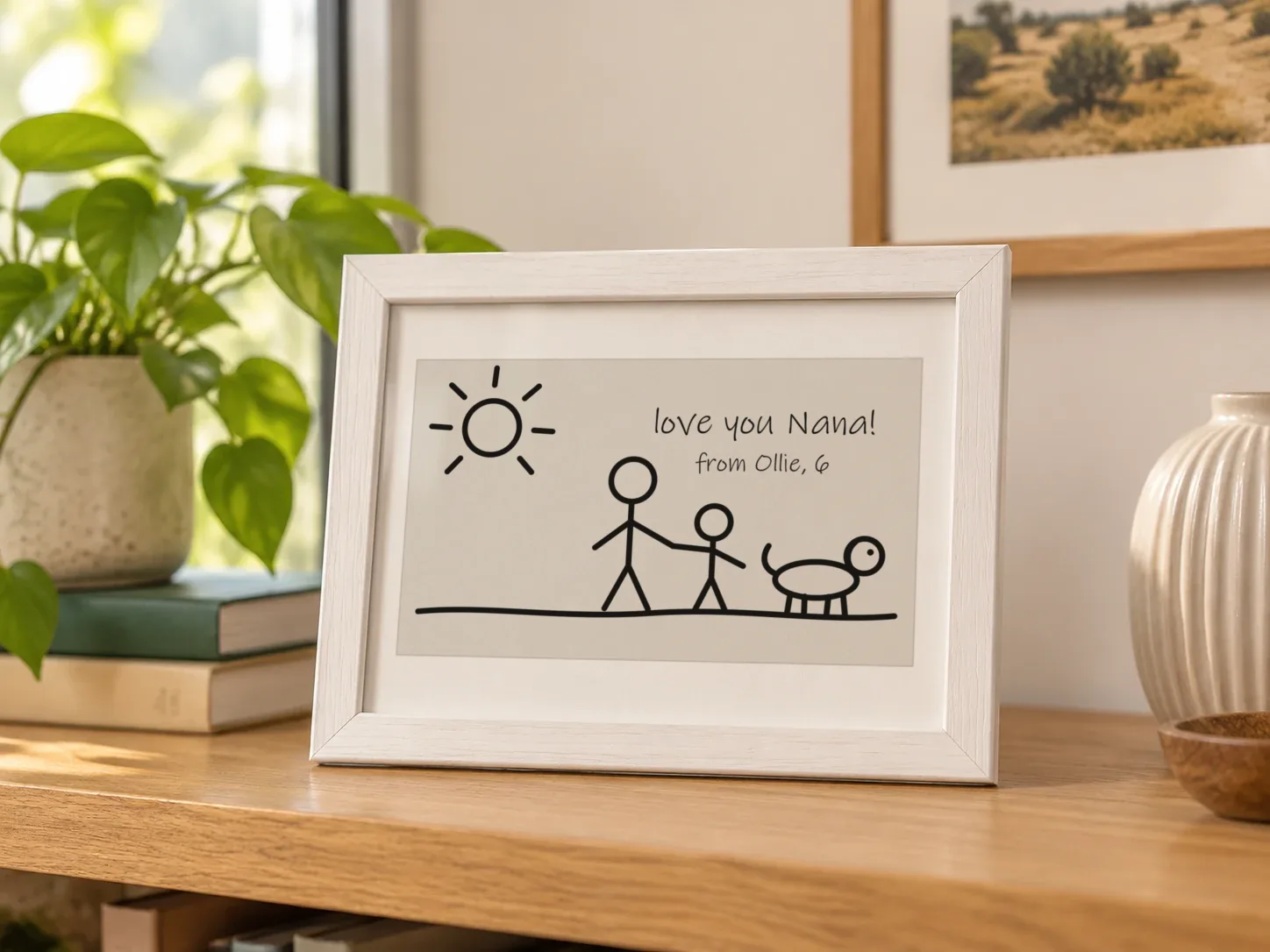
Draw with your finger. Your own lines arrive exactly as you drew them, wobbles and all.
Typed notes
Several fonts and sizes, from a quiet line to big bold words that read across the room.
Photos
Take or choose a photo and frame it. Draw or write on top if you like. A black-and-white frame shows it in a look you pick.
Ready-made cards
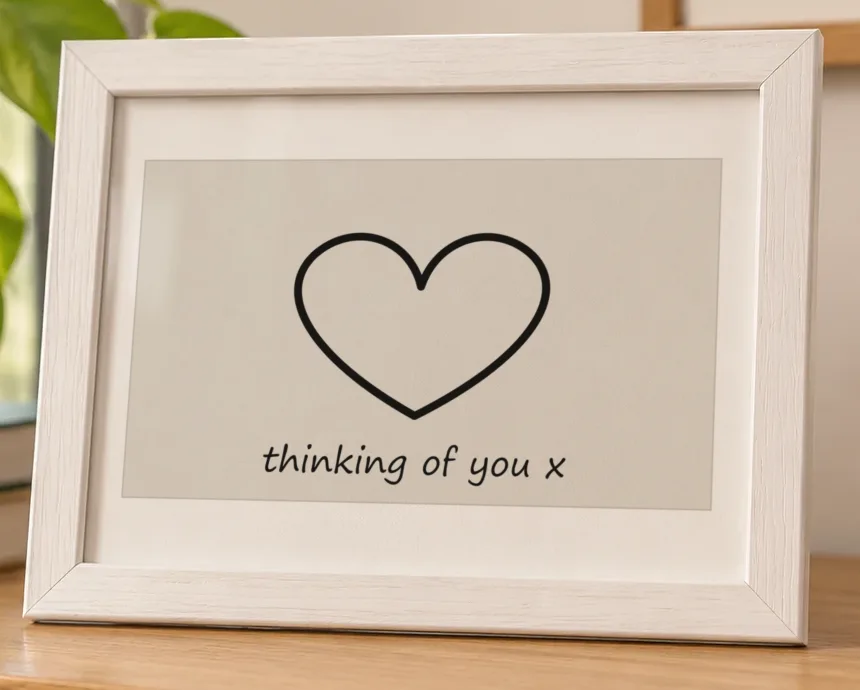
Good morning, happy birthday, thinking of you: tap one when you don't have time to draw.
Requests and turns
Ask someone to draw you something, set whose turn it is this week, or give a friend group a prompt.
Send to one person, to a group, or to several frames at once. Everything you send and receive is kept in the app's history. Try sending a drawing right here in your browser.
What the frame shows
One note, full screen
The newest note fills the screen and stays up until the next one arrives. No clock, no menus, no ads. If you'd rather, the frame can cycle through recent notes instead.
How quickly it arrives
A frame that's plugged in shows a new note a moment after it's sent. A battery frame checks in every few minutes through the day to save power. Either way, the sender's phone shows when it has arrived.
Nothing to look after
The person with the frame never has to touch it. If it goes offline or a battery runs low, the owner sees it in the app; on the frame itself, only a small battery mark appears when it needs a charge.
Privacy and control
- Only people you invite
- Friends you have connected with and groups you have joined. Nobody else can send.
- Take anything down
- The frame's owner can remove any note from the app, and mute or block anyone.
- Unsend
- Changed your mind? Unsend a note and it comes off the frame.
- Quiet hours
- New notes wait until morning. 10pm to 7am unless you change it.
The frame
- Screen
- E-ink, in colour or black and white. Paper-like, with no backlight
- Sizes
- Standard (about 7.5 inch) and large (about 10 inch)
- Stands
- On a desk, bench or shelf, or hangs on a wall
- Power
- Plug-in and rechargeable versions are being tested
- Reply
- One press on the frame sends a heart back to whoever sent the note
- Connects with
- Home Wi-Fi
- Sends
- Drawings, handwriting, typed notes and photos
- App
- For iPhone and Android. The person with the frame doesn't need it
- Subscription
- None
- Price
- To be announced
- Available
- Kickstarter first. Date to be announced
- Shipping
- Worldwide, from Australia
Working figures for the prototype. Final details will be confirmed before launch.
Why e-ink
E-ink and LCD frames, compared · Adorink and the alternatives
Looks like paper
Ink on a matte surface. Easy on the eyes by day, with no light of its own at night.
Doesn't glow or buzz
No backlight and no notifications. It just sits there, like a card on the bench.
Sips power
E-ink only uses power when the picture changes. The picture stays even with the power off.
Made to be left alone
Nothing to learn and nothing to update. One press sends a heart back, and that's the only button they need.
Giving it as a gift
- 1
Set it up at home
Name the frame, invite the family or friends who'll send to it, and choose quiet hours.
- 2
Send the first note
Write or draw something before you wrap it, so there's a note waiting when it's switched on.
- 3
Plug it in at theirs
Join it to their Wi-Fi on a visit, or they scan the code when it's plugged in. That's it.
Be the first to know
We're building the first frames now. Join the waitlist to hear first about the Kickstarter.